
Emergency Fund Calculator
$24.00 – $59.99Price range: $24.00 through $59.99

Fast Delivery Instant Download
Free Update for Lifetime
Instructional Guide and Video

Spreadsheet Buddy’s AI Emergency Fund Calculator offers cutting-edge financial safety. With advanced algorithms and a user-friendly interface, this tool enables individuals and families to develop strategic savings plans, foresee probable financial issues, and establish a strong financial safety net.
| Template Packages | Emergency Fund Calculator, All in One Template Package |
|---|
What's Included
- Both Excel and Google sheets
- Instructional Guides
- Instant delivery to your email
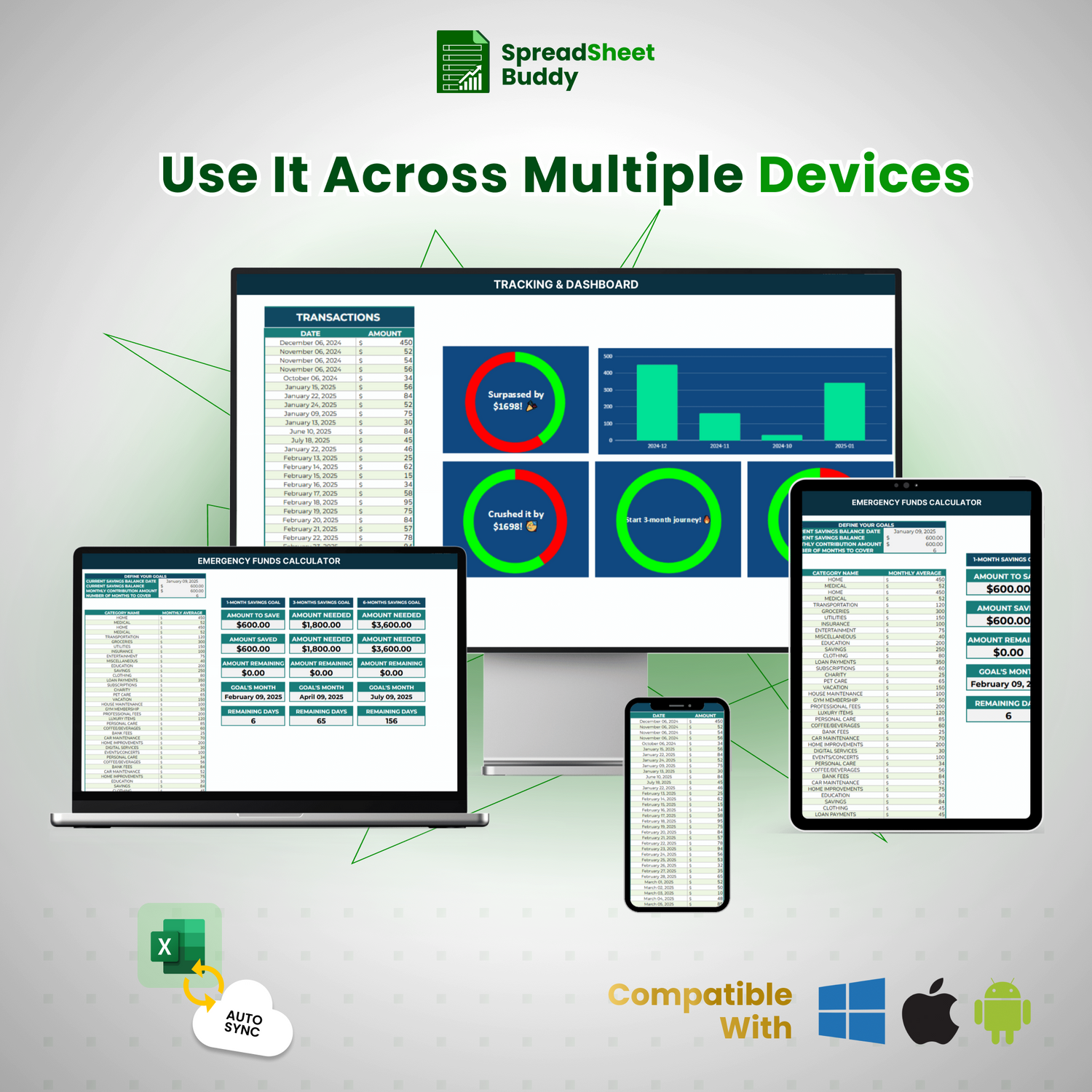
- All devices compatibility
- Customizable and User-friendly templates
- Visual insights and Reports inside the templates
- Free Instructional Videos
Why Choose to Build Your Emergency Fund Stress-Free?
- Save continuously and keep motivated using progress charts and graphs.
- Customize categories, periods, and goals to create a more personalized experience.
- You can organize costs, track transactions, and monitor savings using one tool.
- Set achievable targets and receive real-time updates on your progress.
- Lifetime free updates, adjustable settings, and continuing support.
Emergency Fund Tracker: Secure Your Financial Future
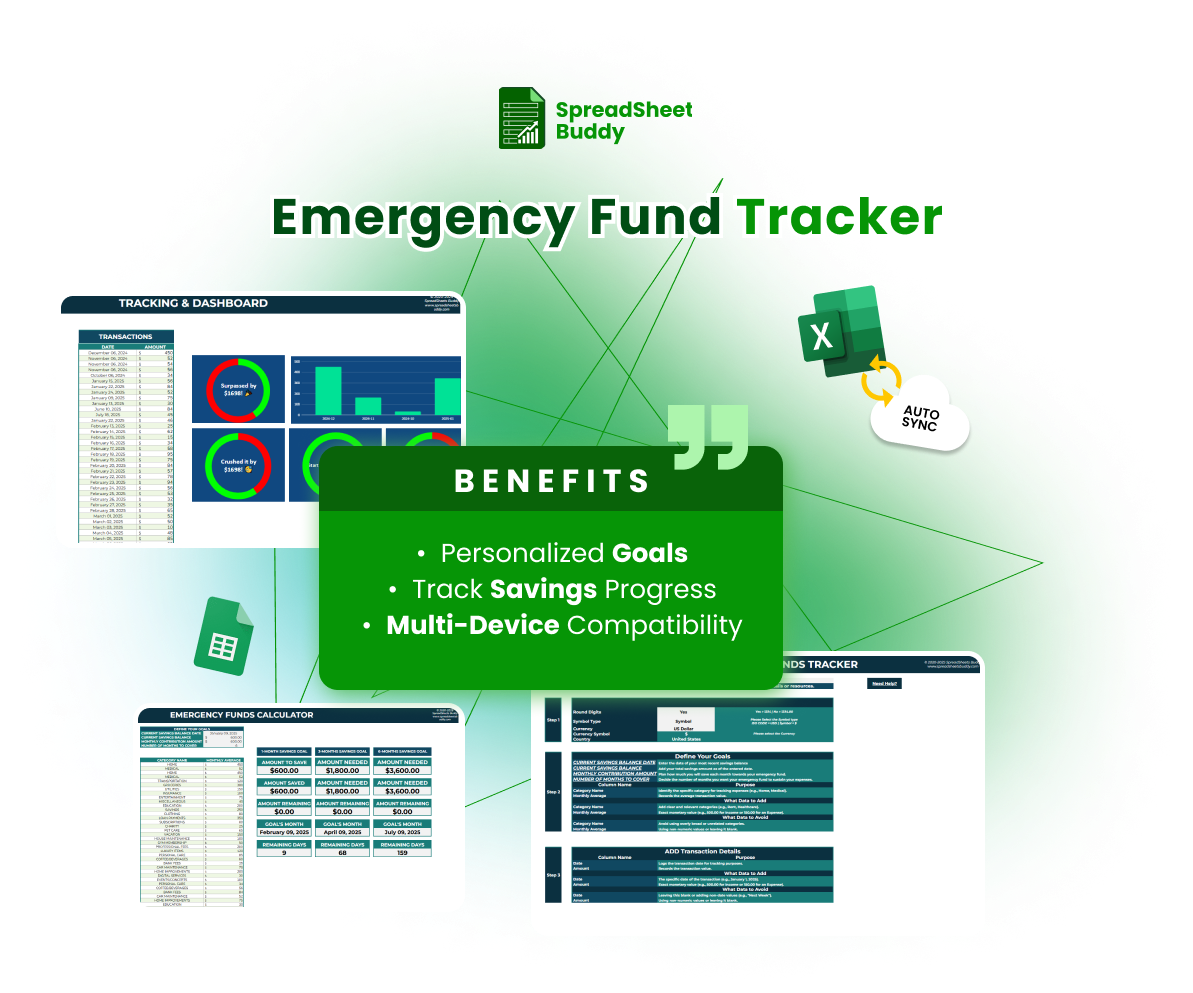
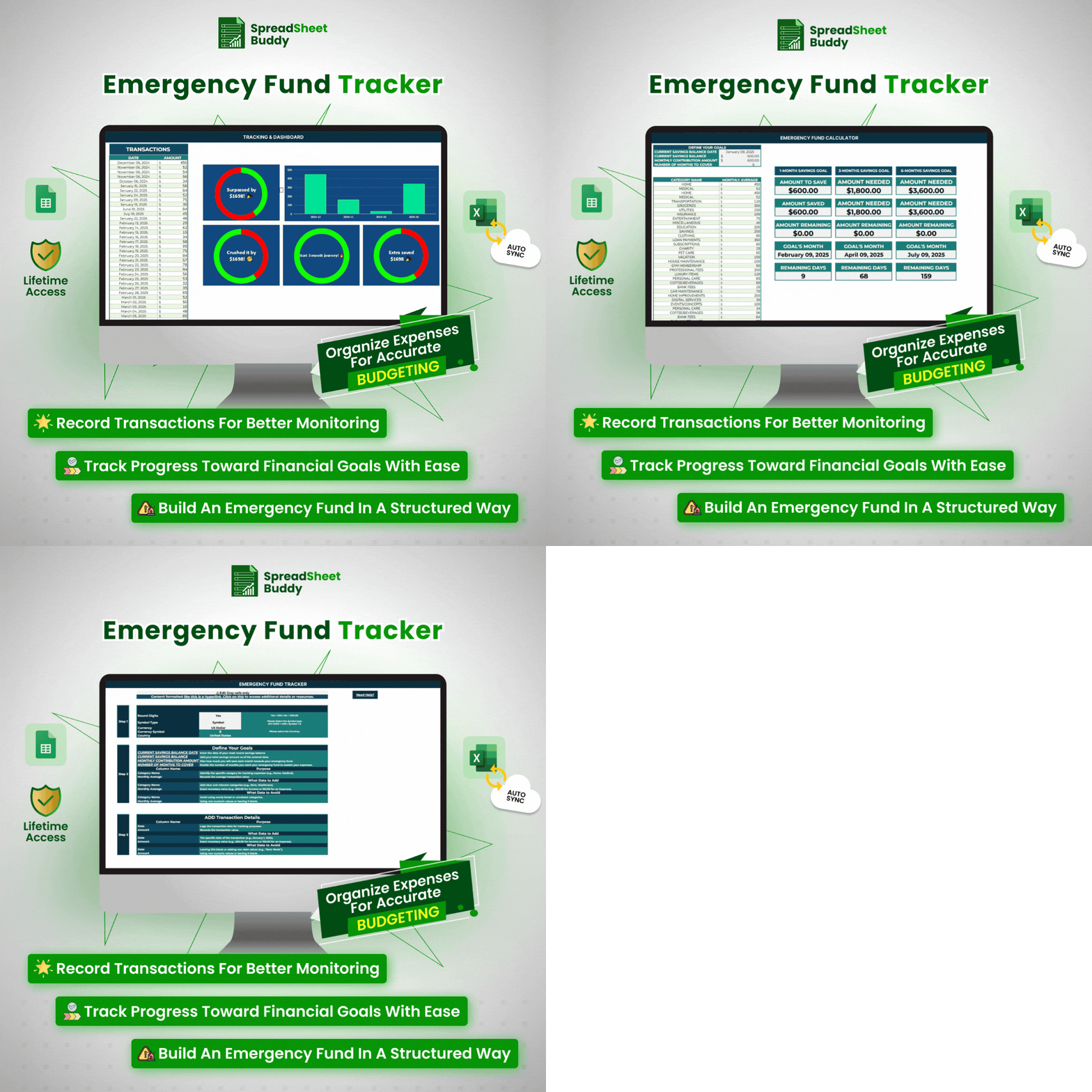
The Emergency Fund Tracker is a tool that helps you build a savings plan. It allows you to set personalized goals, timelines, and categories that align with your unique needs. This tracker makes it simple to stay on track, whether you’re preparing for unexpected events or looking for financial stability. It functions flawlessly on all devices and is compatible with Google Sheets and Excel. Visual charts allow you to see how much you’ve saved, track your progress at any moment, and feel confident about your budget. Contact us today and make your financial stability right now.
Fully Customizable
The Emergency Fund Tracker is fully customizable and helps you to manage your financial journey. You can adjust colors, fonts, categories, and layouts according to your needs and savings goals. This template completely adjusts to your preferences and ensures every piece fits your workflow and taste, whether you prefer vivid dashboards or simple, basic displays.
Emergency Fund Calculator
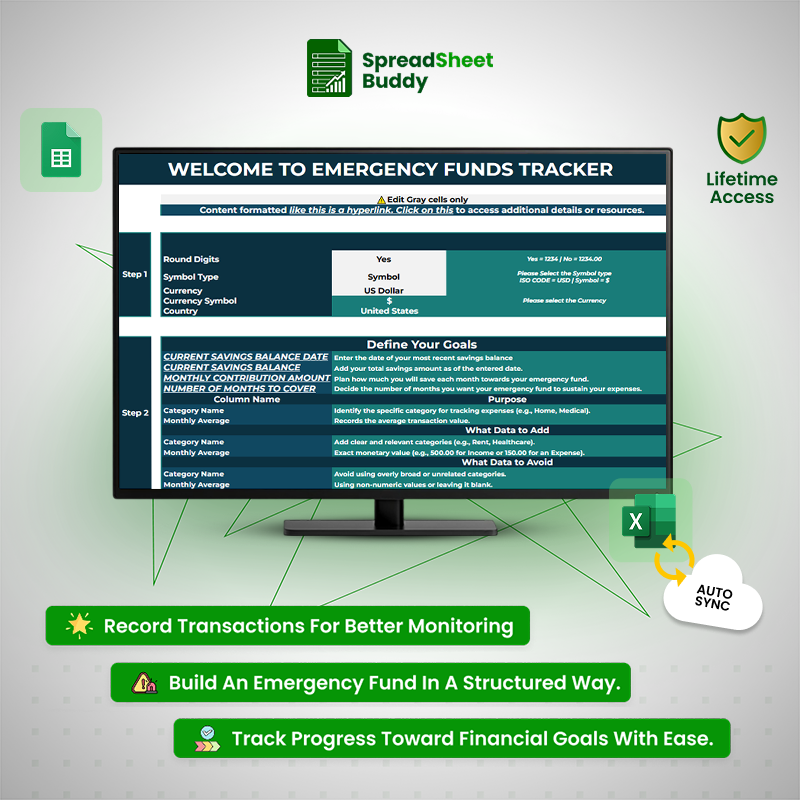
Step 1
Configure Currency & Formatting
In the first step, configure your tracker’s currency and formatting settings. These preferences are essential for customizing the template to align with your financial region and style.
Step 2
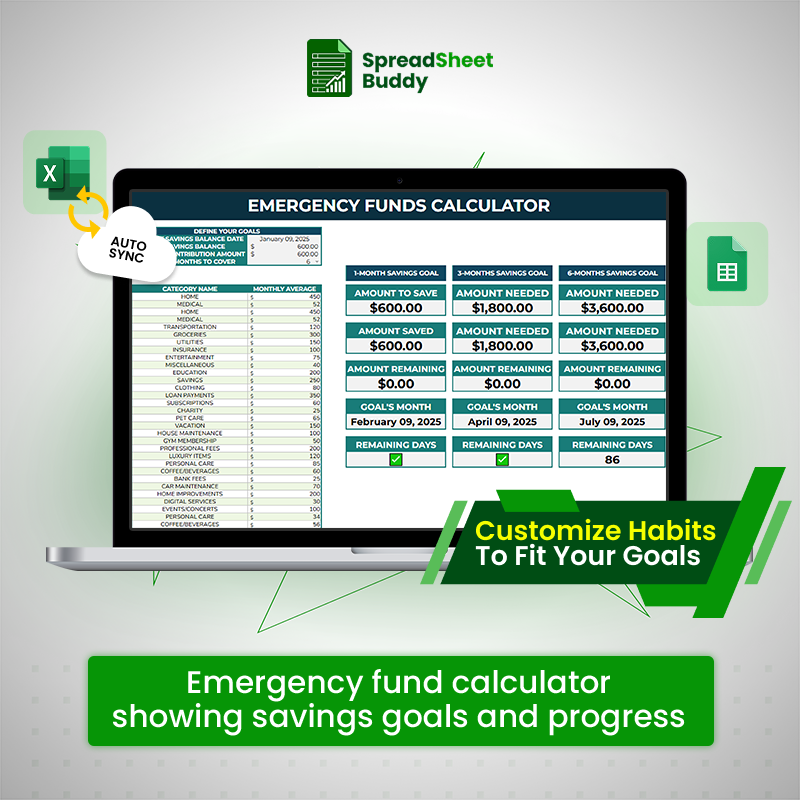
Establish Fund Basics
In the second step, you’ll establish the foundation of your emergency fund by providing vital information about your savings and spending. This template can help you determine how much you need to save and how to achieve your goal.
Step 3
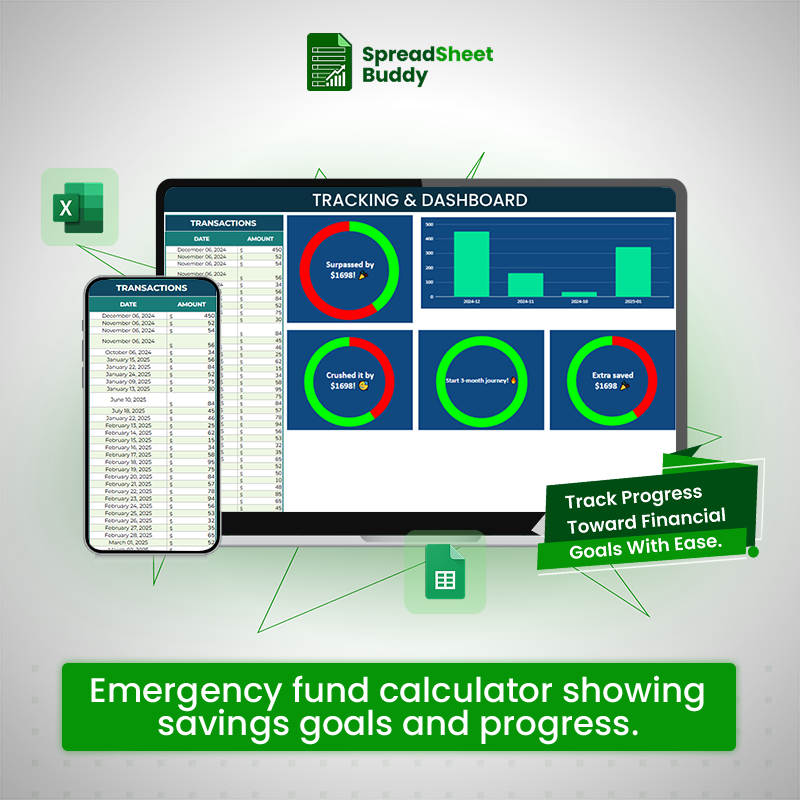
Track & Control Spending
To track and control your spending, you will record the specifics of every transaction in this area. This will guarantee that the amount you need to save for your emergency fund is accurate.
What Customers Say About Us?
4.00 ★ (635)

All-in-One Financial Management Package
$560.92 Original price was: $560.92.$59.99Current price is: $59.99.
Fast Delivery Instant Download
Free Update for Lifetime
Instructional Guide and Video
Frequently Ask Questions
Can I restore the original template if I accidentally delete or overwrite something?
If you’ve downloaded the tracker, re-download it from the source. For cloud-based templates like Google Sheets, you can check the version history to restore a previous version.
How can I enable automatic calculations in the tracker?
Most spreadsheet applications have automatic calculation enabled by default. Ensure this feature is turned on in your software’s settings.
What should I do if the currency symbol doesn’t display correctly?
Ensure your spreadsheet software’s currency and region settings match the selected currency. For example, go to File>Options>Advanced>EditingOptions>Currency in Excel.
Can I use the tracker offline?
If you download the template to your device, it can be used offline with software like Microsoft Excel or Apple Numbers. For Google Sheets, enable offline access through the Google Drive settings.
Why aren’t my transaction updates reflected in the summary?
Ensure all transaction details, including the date, amount, and category, are entered correctly. Verify that the formula linking the summary and transaction sections hasn’t been altered or broken.