
Smart AI Expense Tracker
$29.00 – $59.99Price range: $29.00 through $59.99

Fast Delivery Instant Download
Free Update for Lifetime
Instructional Guide and Video

The Smart AI Expense Tracker from Spreadsheet Buddy gives you a complete way to handle your money better. Made with smart templates and helpful features, this tool helps businesses of all sizes take control of their spending, make smart choices, and work more efficiently.
| Template Packages | Smart AI Expense Tracker, All in One Template Package |
|---|
What's Included
- Both Excel and Google sheets
- Instructional Guides
- Instant delivery to your email
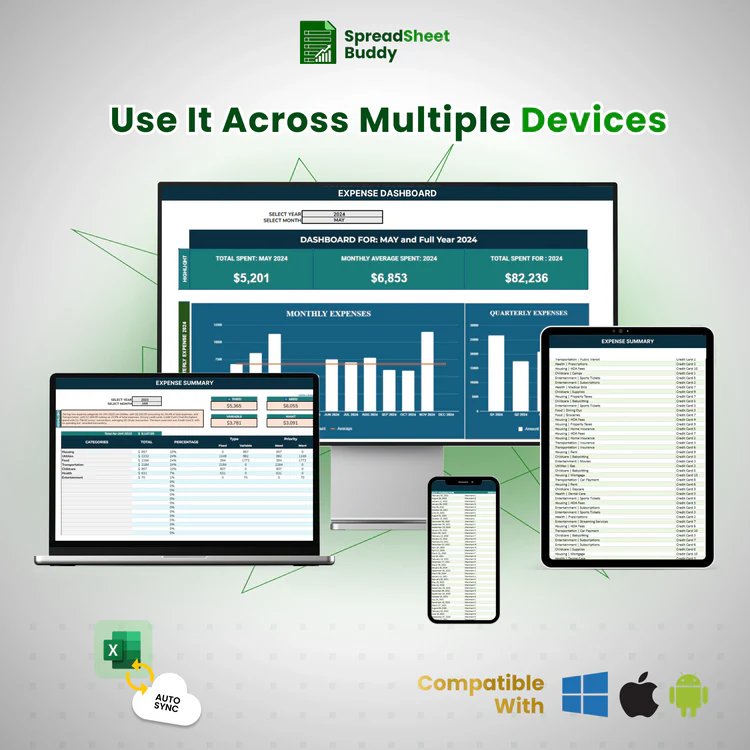
- All devices compatibility
- Customizable and User-friendly templates
- Visual insights and Reports inside the templates
- Free Instructional Videos
Why Choose to Track Every Dollar with the Expense Tracker?
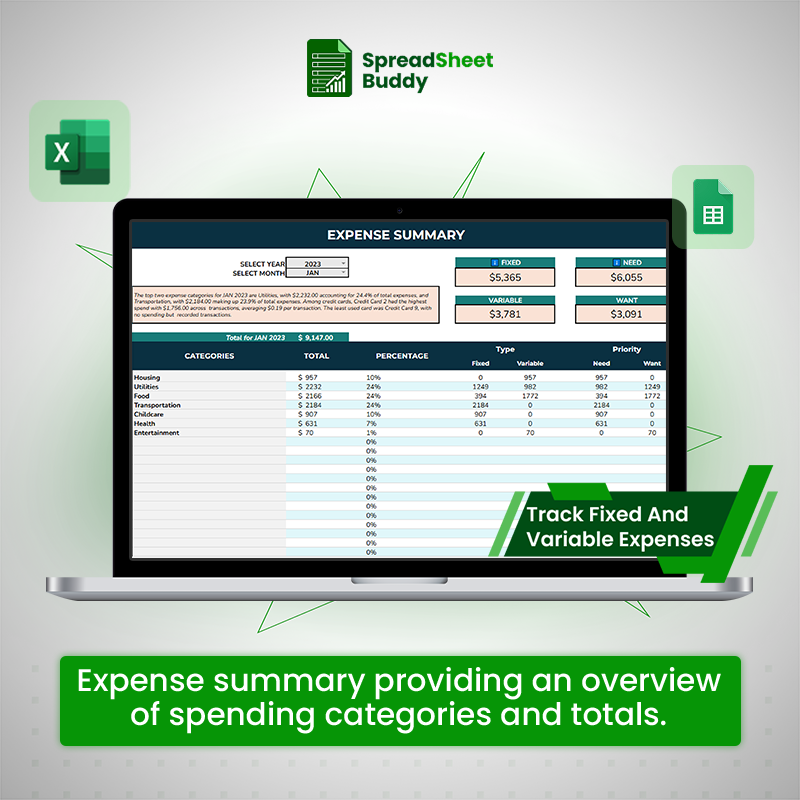
- Organize expenses into fixed, variable, essential, and non-essential categories.
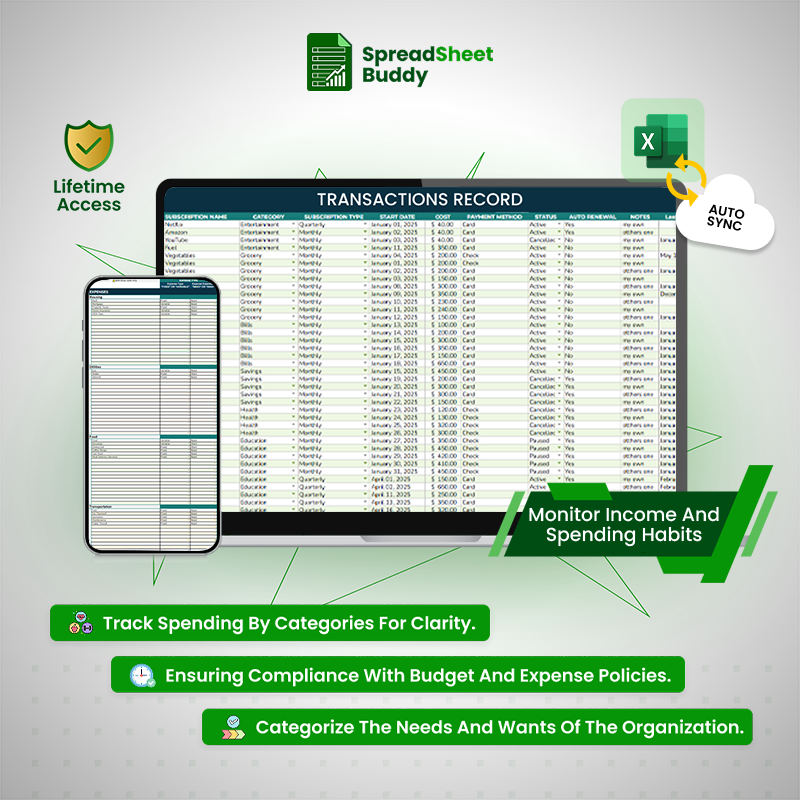
- Monitor transactions with vendor, date, amount, and category details.
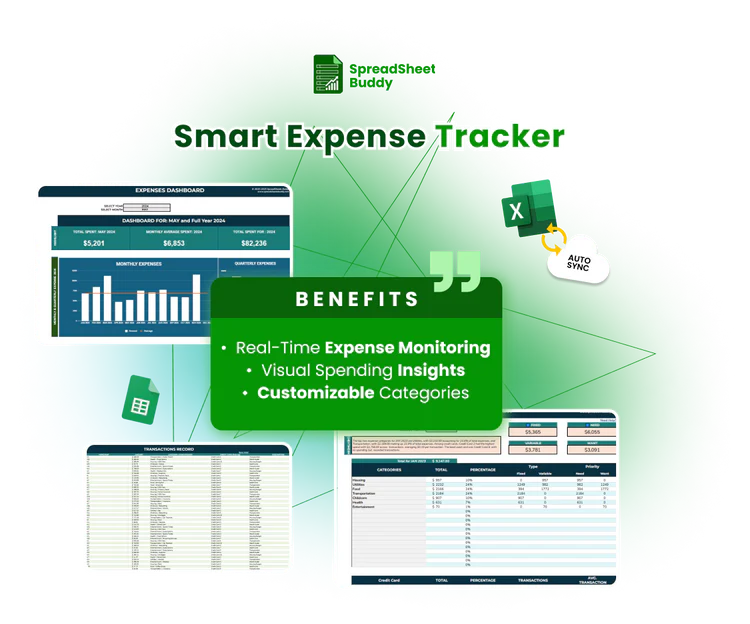

- Gain insights with an interactive dashboard for monthly and annual trends
- Simplify credit card tracking and financial goal-setting with ease.
- Enjoy real-time updates and a user-friendly design for personal or business use.
Organize Your Finances
The Expense Tracker is the ideal tool for simplifying your budget; it makes it simple to control your everyday expenses. Now, you can organize your costs into categories such as utilities, meals, and more to keep up with your finances. This template integrates with Google Sheets and Excel, which helps you monitor your expenses at any time. By giving you a clear understanding os.f your spending habits, visual dashboards assist you in staying within your budget and avoiding overpaying. Taking charge of your finances has become simple due to its safe and intuitive feature
Fully Customizable
The Expense Tracker offers customized solutions like changing colors, fonts, and layout options. You can now add or modify categories to fit your spending habits.
Expense Tracker
Step 1
Select Preferences
The first step is to select a preference. You can configure the currency type, symbol format, and rounding digits, among other fundamental choices.
Step 2
Categorize Spending
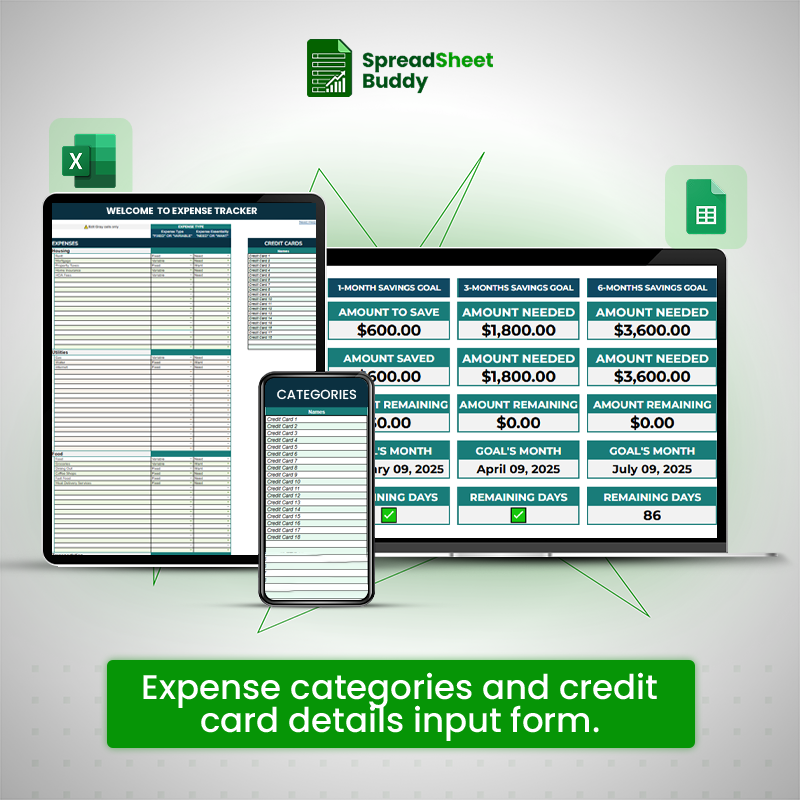
This section assists you in categorizing your spending into distinct Main Categories and Sub-Categories, differentiating between fixed and variable costs. You’ll also categorize each expense as “Need” or “Want” and keep track of payments made with certain credit cards. This simplified method gives a complete picture of your money, making it easy to manage.
Step 3
Break Down Sub-Categories
The Expense Sub-Categories section allows you to break down your main expense categories into specific, actionable items. This detailed segmentation ensures every expense is tracked under the proper heading, helping you analyze and manage your finances effectively.
Step 4
Log Transaction Records
The Add Transaction Records section is the heart of your expense tracker, where you log all financial transactions to ensure accurate tracking and categorization. This step allows you to maintain a comprehensive and well-organized record of your income and expenses, which is essential for analyzing spending habits and optimizing budgets.
What Customers Say About Us?
4.00 ★ (635)
All-in-One Financial Management Package
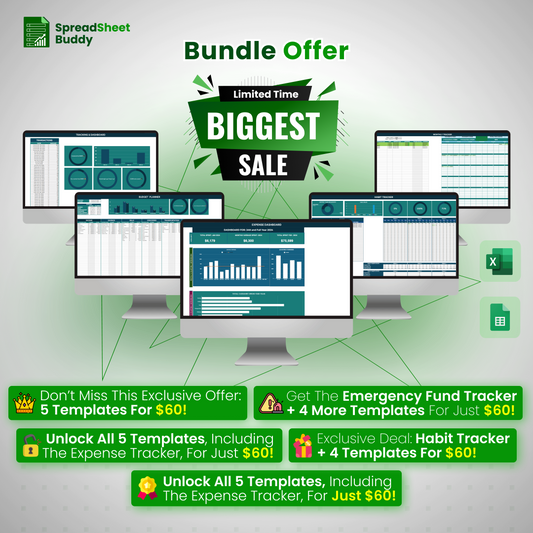
$560.92 Original price was: $560.92.$59.99Current price is: $59.99.
Fast Delivery Instant Download
Free Update for Lifetime
Instructional Guide and Video
Frequently Ask Questions
Can I use the Expense Tracker Template for personal and business expenses?
Yes, the Expense Tracker Template is flexible and can be customized to track personal and business expenses.
How do I track credit card expenses in the template?
In the ” Payment Method ” section, you can assign each transaction to a specific credit card to track credit card expenses. The template will help you monitor spending and record payments for each card.
What do I do if I accidentally add a transaction to the wrong category?
You can easily edit or move transactions to the main category or sub-category. Simply update the transaction details and reassign them to the appropriate section.
Does the template offer any tools for saving or budgeting?
Yes, the Expense Tracker Template helps with budgeting by providing detailed expense summaries and projections.
How do I analyze my spending patterns over time?
The template includes a comprehensive “Expense Summary” and “Dashboard” that provide insights into your spending behavior.