$124.99Original price was: $124.99.$49.99Current price is: $49.99.
Fast Delivery Instant Download
Free Update for Lifetime
Instructional Guide and Video
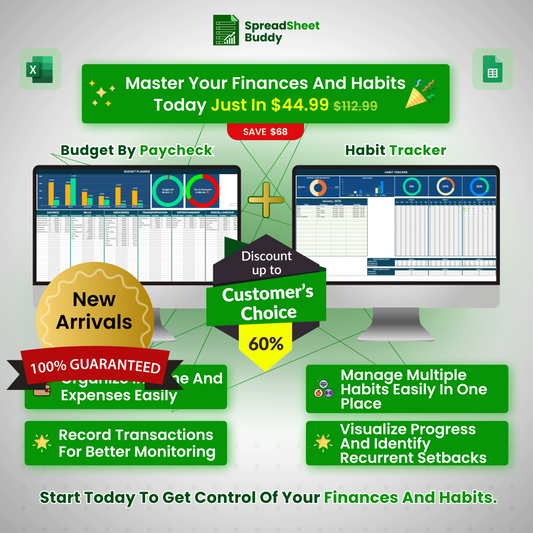
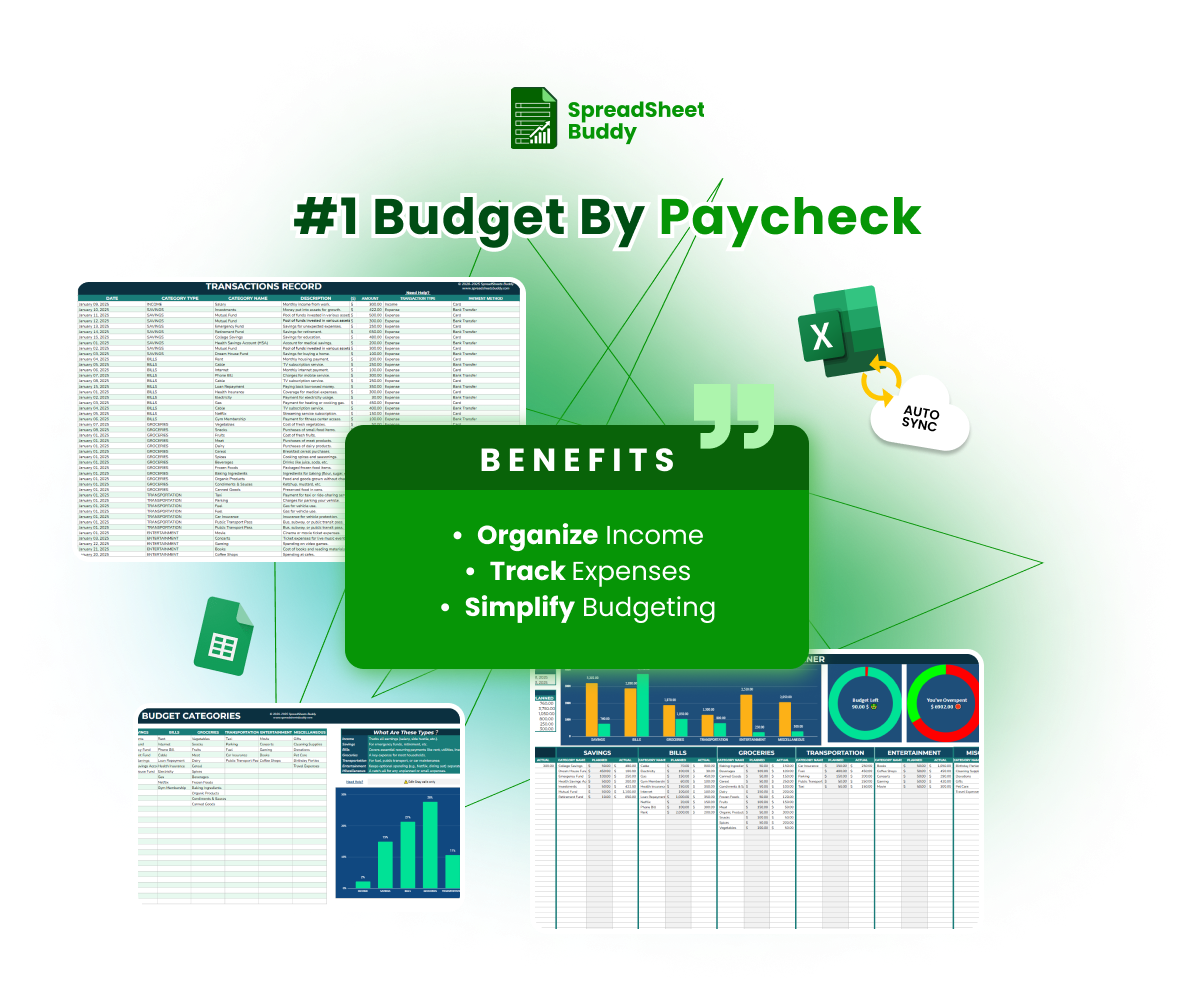
Paycheck Budget Planner
Our most popular template is the Paycheck Budget Planner. It assists you in planning your spending, controlling your income, and maintaining your financial objectives. With this user-friendly tool, you can take charge of your money and simplify your budget.
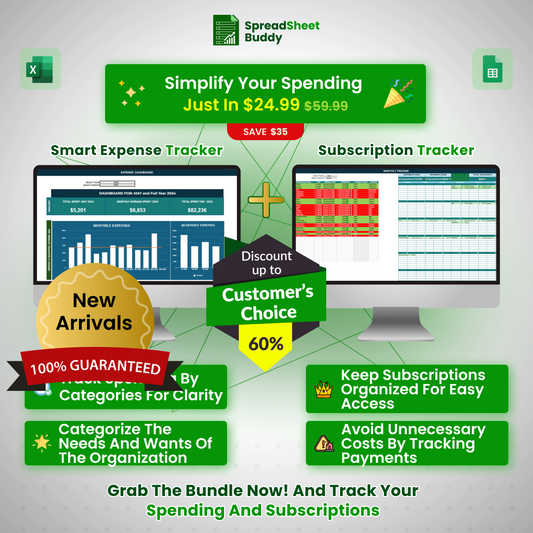

Smart AI Expense Tracker
The Smart AI Expense Tracker is our most popular template. It automatically records and categorizes all of your spending, helping you to see where your money is going. It is ideal for anyone who wishes to easily control their costs and stay under budget.
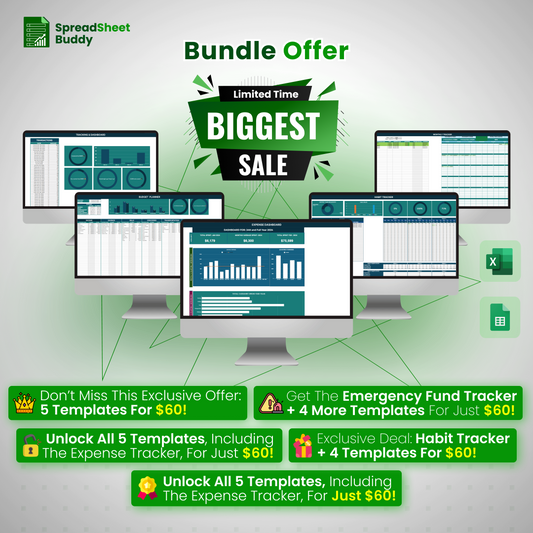
🎁🎁 Unlock All 5 Templates for Just $59.99 as your Ultimate Financial Management Solution!🔥🔥
$560.92Original price was: $560.92.$59.99Current price is: $59.99.
Fast Delivery Instant Download
Free Update for Lifetime
Instructional Guide and Video
Frequently Ask Questions
Does the template provide visual charts or graphs to track spending trends?
Yes, the template includes visual tools such as bar charts and pie charts to help you analyze your spending and income trends over time.
Can I import data from other financial tools or apps into the template?
While the template doesn’t have a direct import feature, you can copy and paste data from other sources into the appropriate sections, provided the format matches the template.
Can I use the Expense Tracker Template for personal and business expenses?
Yes, the Expense Tracker Template is flexible and can be customized to track personal and business expenses.
How do I track credit card expenses in the template?
In the ” Payment Method ” section, you can assign each transaction to a specific credit card to track credit card expenses. The template will help you monitor spending and record payments for each card.
Can I restore the original template if I accidentally delete or overwrite something?
If you’ve downloaded the tracker, re-download it from the source. For cloud-based templates like Google Sheets, you can check the version history to restore a previous version.
How can I enable automatic calculations in the tracker?
Most spreadsheet applications have automatic calculation enabled by default. Ensure this feature is turned on in your software’s settings.