
Personal Finance Tracker
$69.99 Original price was: $69.99.$19.99Current price is: $19.99.

Fast Delivery Instant Download
Free Update for Lifetime
Instructional Guide and Video

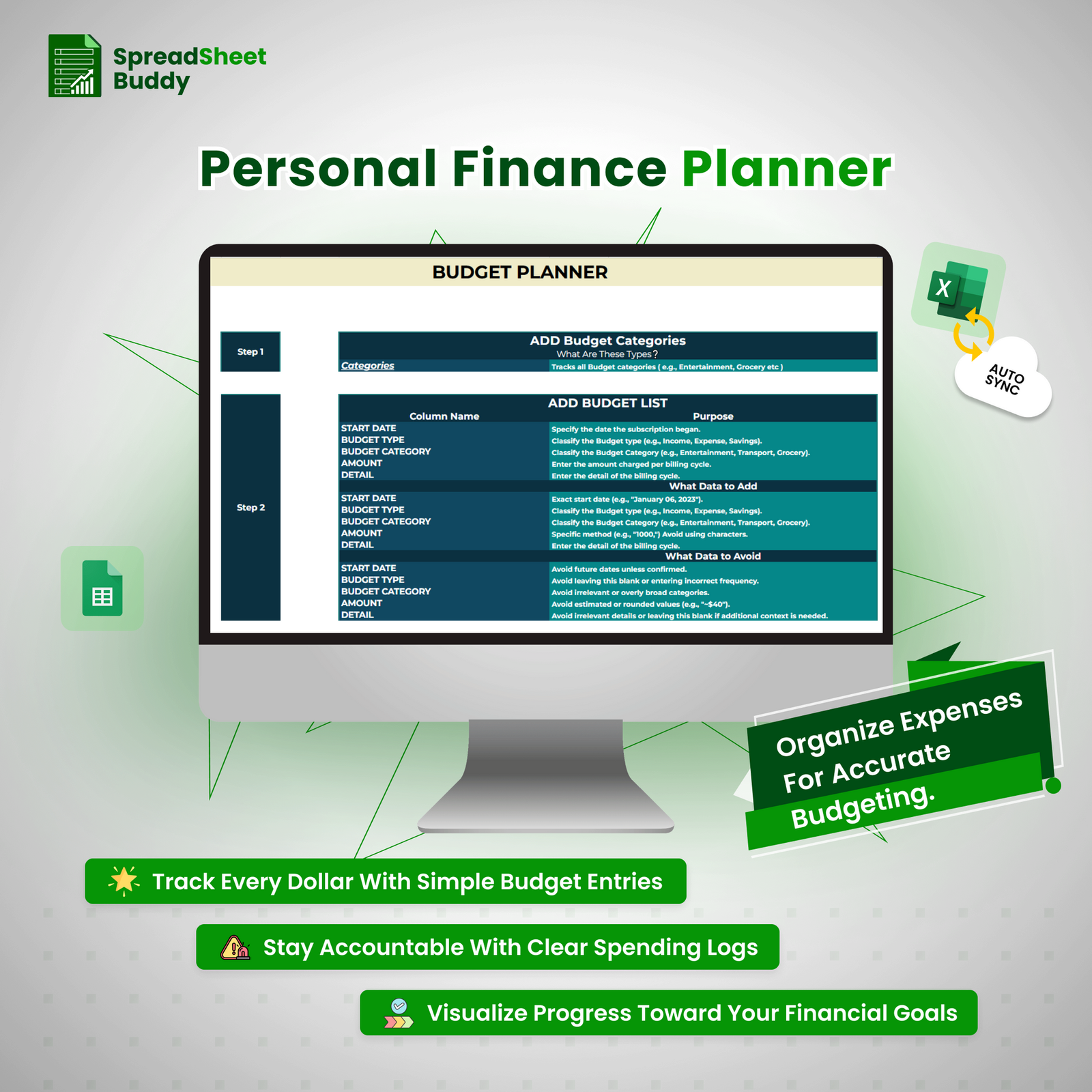
- Track Every Dollar With Simple Budget Entries
- Stay Accountable With Clear Spending Logs
- Visualize Progress Toward Your Financial Goals
- Track Spending with Detailed Expense Logs
- Monitor Transactions for Accurate Budgeting
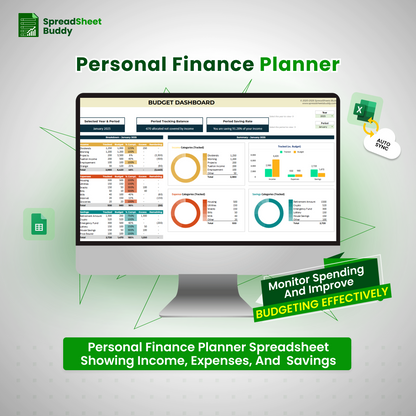
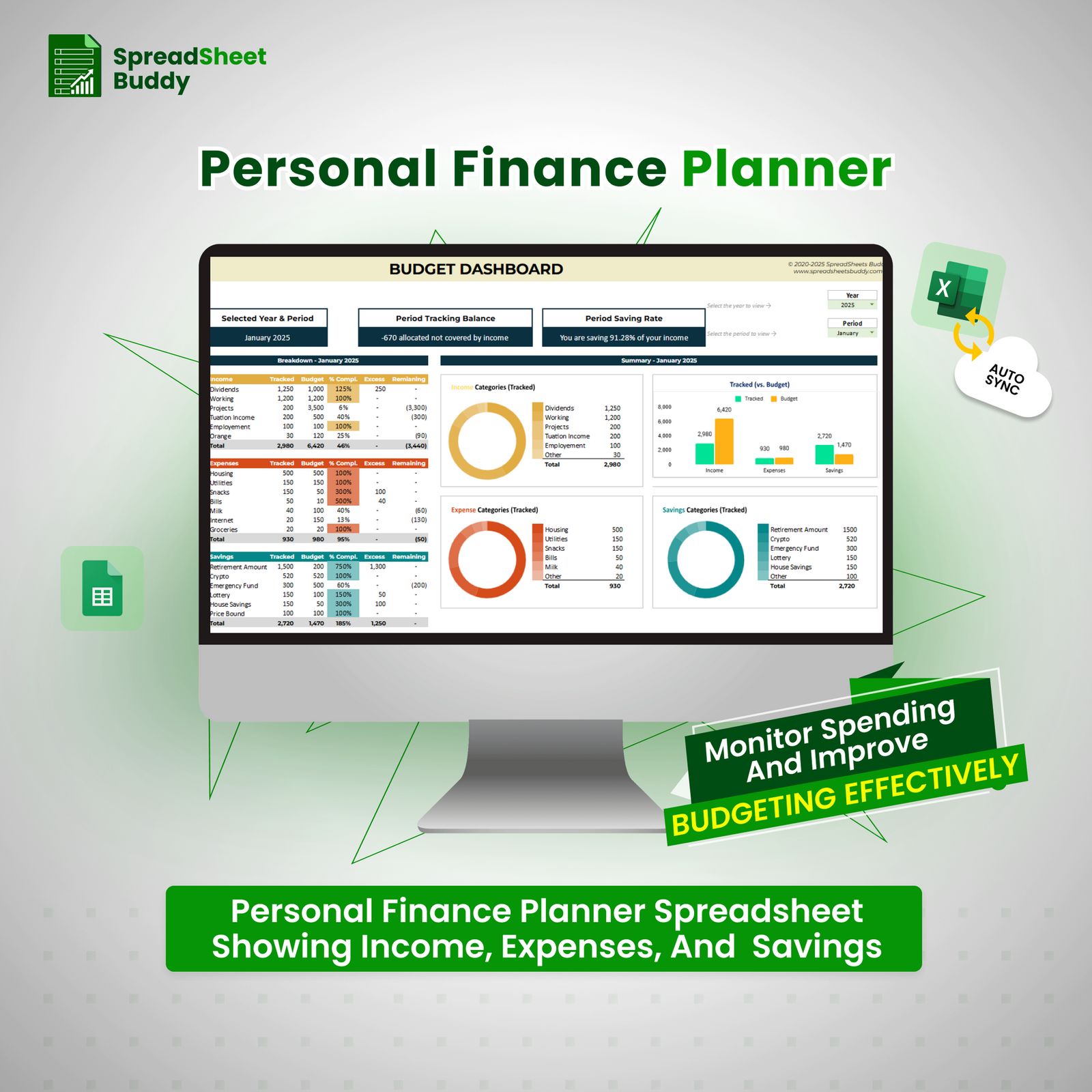
- Personal Finance Planner Spreadsheet Showing Income, Expenses, And Savings
Choose to Simplify Budgeting and Track Your Finances with Confidence
- Track multiple income streams and expenses and manage up to 40 categories for accurate budgeting.
- Easily align with your pay cycles and sync monthly or yearly for effortless finance tracking.
- Use structured tracking to stay within budget, prioritize needs, and plan ahead with less stress.
- See exactly where your money is going, what’s left, and what needs attention—all at a glance.
- Maintain a transparent, easy-to-review log that helps you stay accountable and confident.
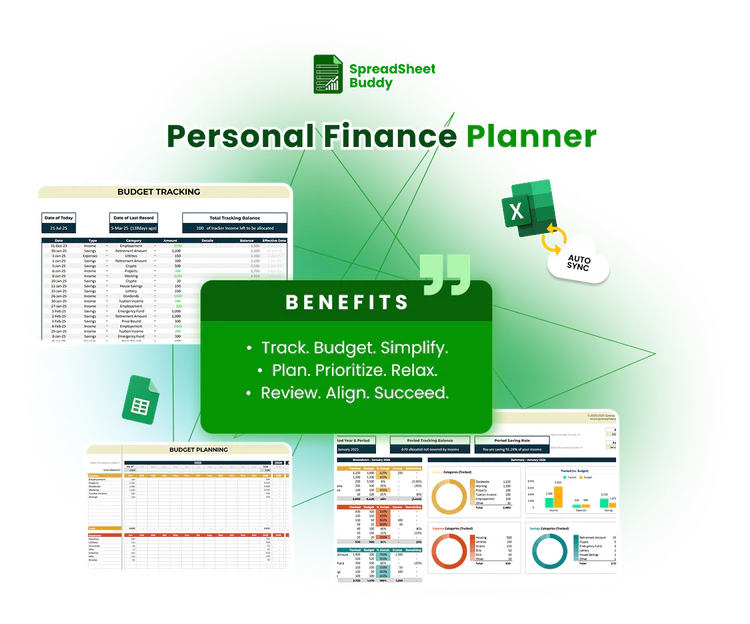
Master Your Finances with Ease
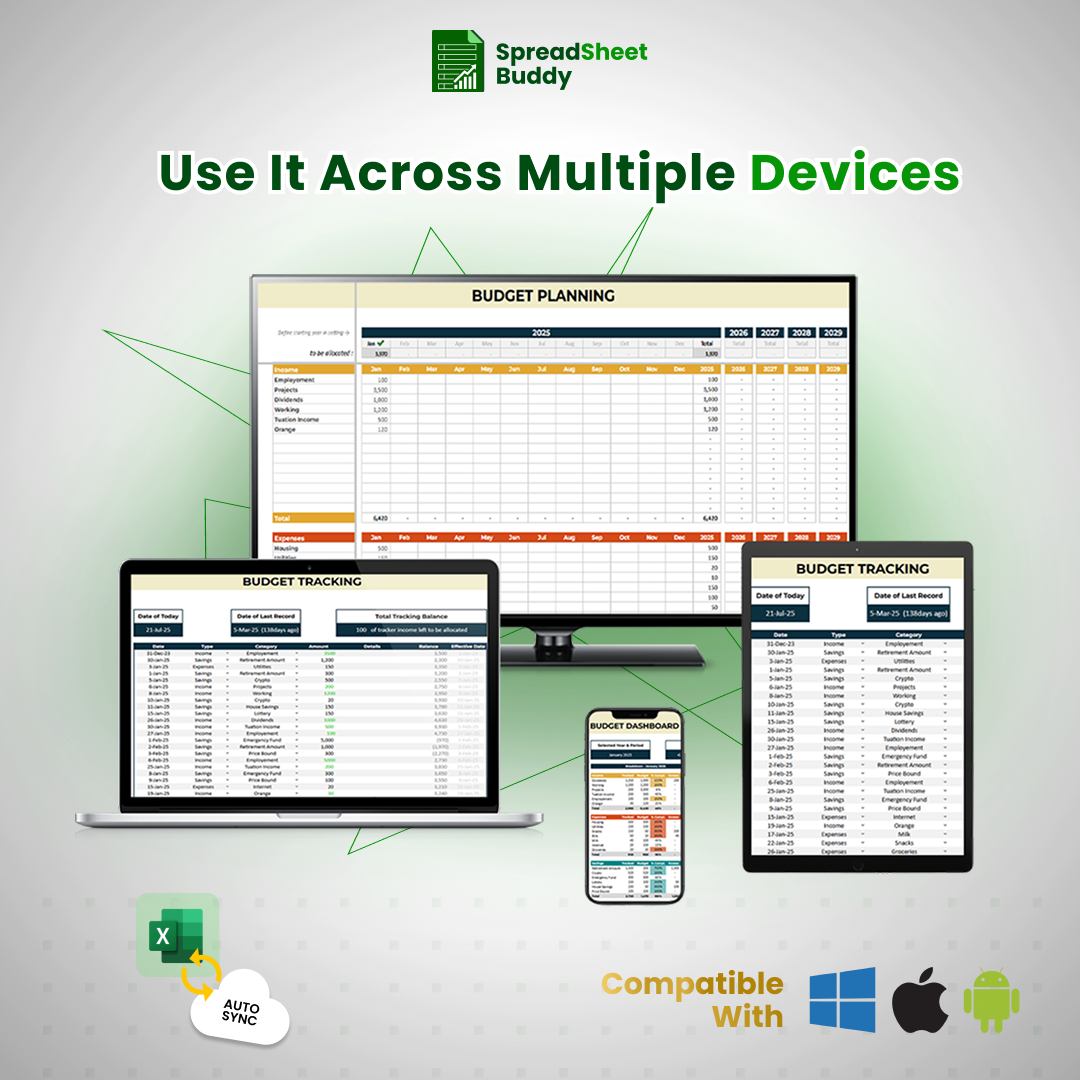
The Personal Finance Tracker is your ultimate tool for effortlessly managing income, expenses, and savings. By organizing your finances into clear, actionable categories, this tracker helps you stay on top of your financial goals. Whether you’re looking to budget for necessities, save for the future, or track discretionary spending, this personal finance planner simplifies the process. Accessible on all devices and compatible with Google Sheets and Excel, it ensures you’re always in control of your finances—no matter where you are.
Fully Customizable to Fit Your Needs
This Personal Finance Tracker is a smart tool that easily adapts to your unique financial situation. You can customize it by adjusting colors, fonts, categories, and layouts to reflect your financial priorities and personal style. Whether you’re tracking savings goals, managing expenses, or planning for future investments, this tracker is flexible enough to grow with you. Stay in control of your finances and ensure the tracker evolves to meet your changing needs.
Working Process of Personal Finance Tracker
Step 1
Set Up Budget Categories
Start by selecting clear categories to sort your income and expenses. Common categories include groceries, rent, transportation, entertainment, and more. These categories help organize your finances and give you a structured overview of where your money goes each month.
Step 2
Add Budget Entries
Next, input your financial entries using key columns: start date, budget type (income, expense, or savings), category, amount, and transaction details. Be specific with amounts and avoid vague or rounded numbers. Accurate entries ensure realistic tracking and better monthly planning.
Step 3

Use Dashboard Filters
Select your current year and month from the dropdown menus to filter and view only the relevant entries. This makes it easier to focus on specific time frames, spot monthly trends, and stay aligned with short- and long-term budgeting goals.
Step 4
Set Monthly Budget Goals
Assign a planned budget to each category based on your expected income. Allocate fixed amounts for savings, bills, and spending. Setting clear goals helps you avoid overspending, manage priorities, and stick to a financial routine that supports your goals.
Step 5
Review and Adjust Monthly
At the end of each month, review how your actual spending compares to your budget. Make adjustments for the next cycle based on what worked or didn’t. This routine helps you stay financially aware, reduce stress, and build better habits over time.
What Customers Say About Us?
4.00 ★ (635)
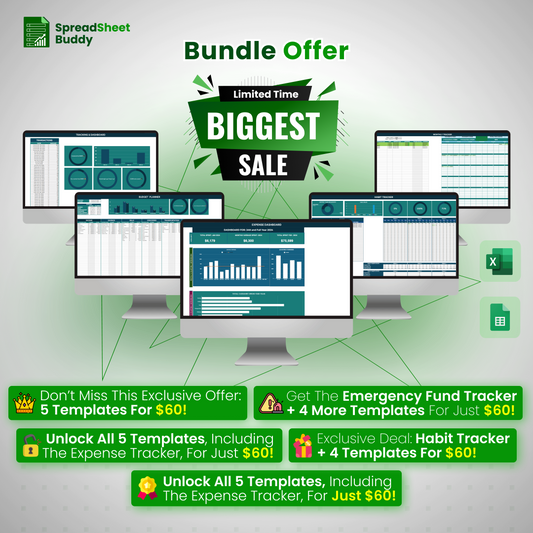
All-in-One Financial Management Package
$560.92 Original price was: $560.92.$59.99Current price is: $59.99.
Fast Delivery Instant Download
Free Update for Lifetime
Instructional Guide and Video
Frequently Ask Questions
Does the personal finance tracker include visual tools like graphs or charts?
Yes, it includes visual aids such as bar charts and pie charts to give you a clear view of your spending patterns, income distribution, and category-wise budgeting over time.
Can I track multiple income sources and recurring expenses?
Yes, the tracker is designed to support multiple income streams and recurring bills. This tool helps you get a complete and accurate picture of your cash flow each month.
What if I accidentally delete or enter incorrect data?
Mistakes are easy to fix. You can undo changes, update incorrect entries, or re-enter data anytime. All totals and linked formulas will update automatically when you make changes.
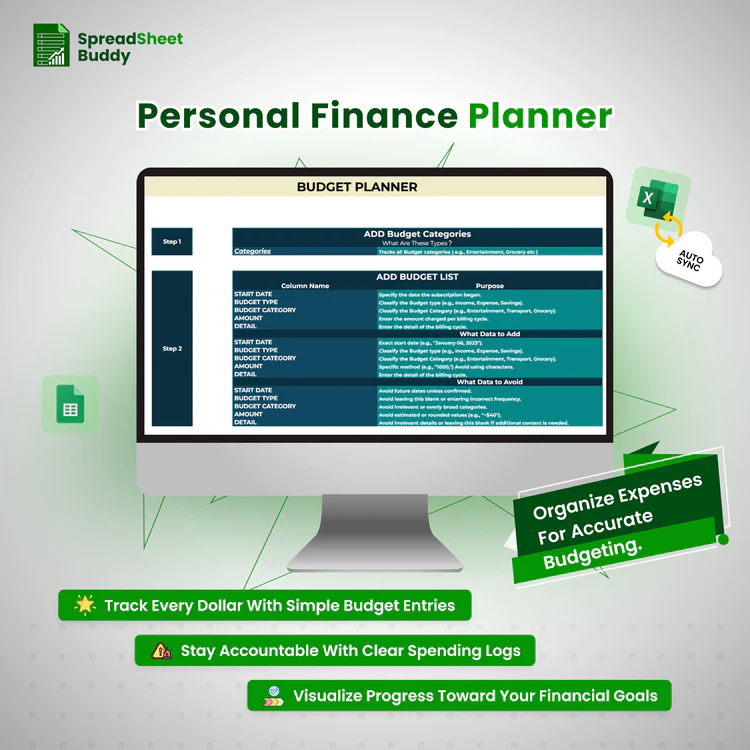
What information should I include in the Budget List section?
In the Budget List, add the start date of each entry, choose the type (Income, Expense, or Savings), select a budget category, input the exact amount, and write a brief but clear description in the detail field.
Can I import data from other financial tools or apps into the template?
While the template doesn’t have a direct import feature, you can copy and paste data from other sources into the appropriate sections, provided the format matches the template.
What kind of data should I avoid adding?
Avoid future dates unless confirmed, leaving fields blank, using unclear categories like “Misc,” and entering rough values such as “~$40.” These can distort your financial overview and reduce the tracker’s accuracy.